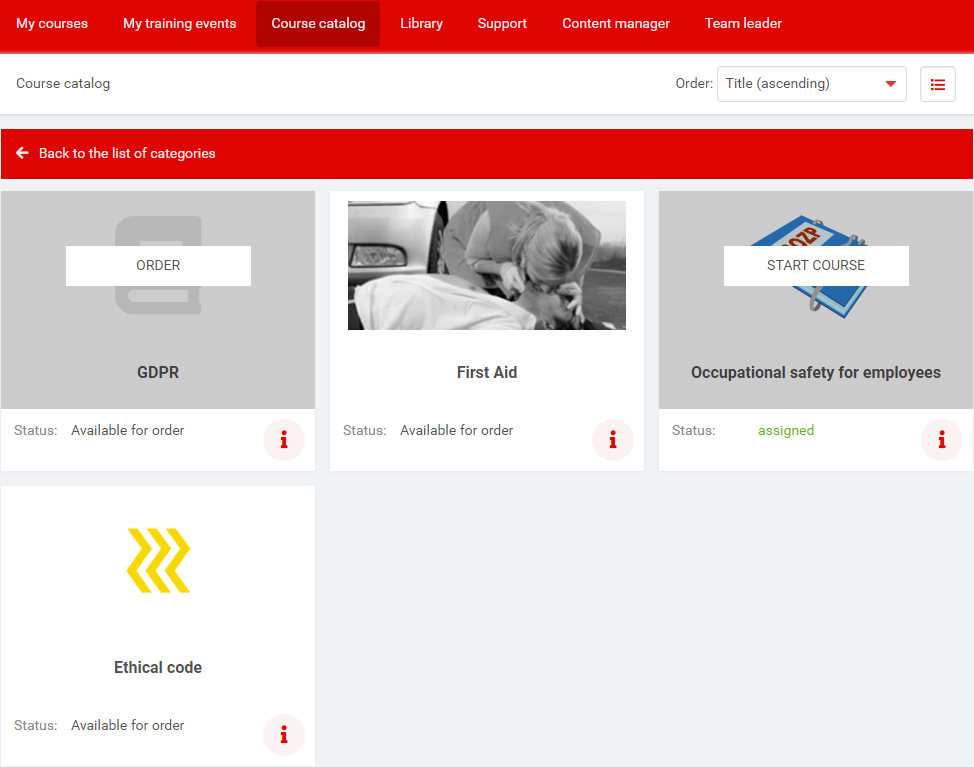
This feature must be enabled in the system settings. The Course Catalog allows users to self-order courses of their choice.
Detail of category
Click the symbol or switches tile / line course's display.
Three possible situations can occur (if option Hide ordered courses in the catalog is turned on).
start course - course has been ordered and can be started from My courses page or from Course catalog by clicking on start course
order - course has not been ordered yet so you can order it by clicking on order button
order - if the course was already ordered and completed by clicking on order button you will be alerted that course will be removed form the section of completed courses and it will be reordered
Courses which have been ordered from the Catalog can be removed from this section at any time by clicking on info icon on course's tile and then on the icon.

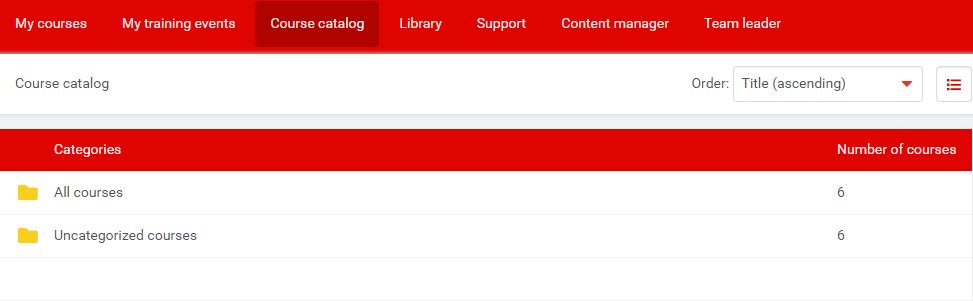
 or
or  switches tile / line course's display.
 on course's tile and then on the
  icon.
icon.