When Team Leader and Administrator roles are configured.
During mass course assignment.
During targeting of courses.
When message to users is sent.
In reports.
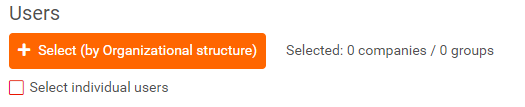
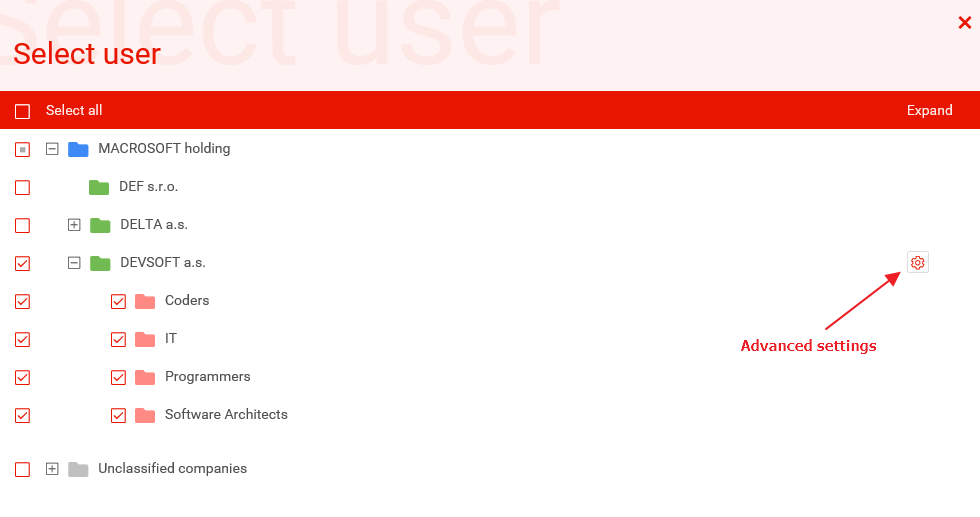
Using Select (by Organizational stricture) button appears window with group of companies (optionally), companies and groups of users (units).
You can add unit to the selection with OR condition using checkbox. When user is present in any of selected units, he will be included in the selection.
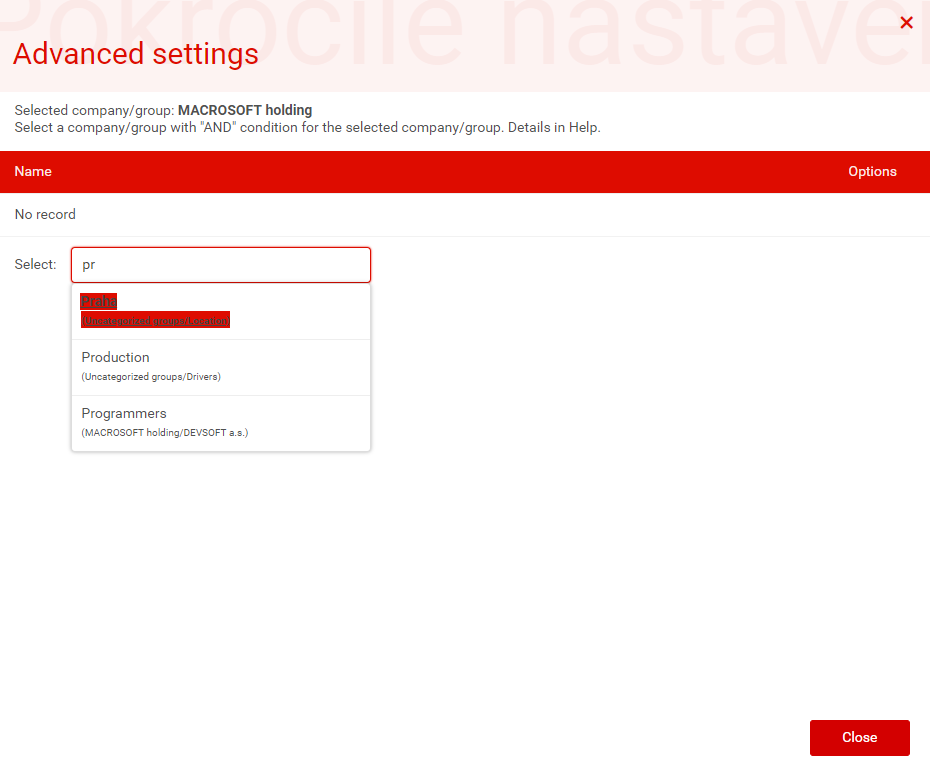
For a special selection of users, you can use the Advanced settings button and set the next selection condition in the dialog box of the selected unit. In this way you will get the condition AND AT THE TIME. This makes it easy to set up, for example, the selection of users from the company and selected group (such as locations).
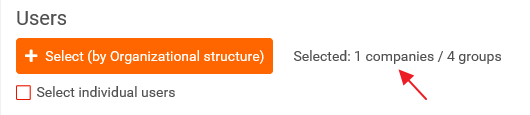
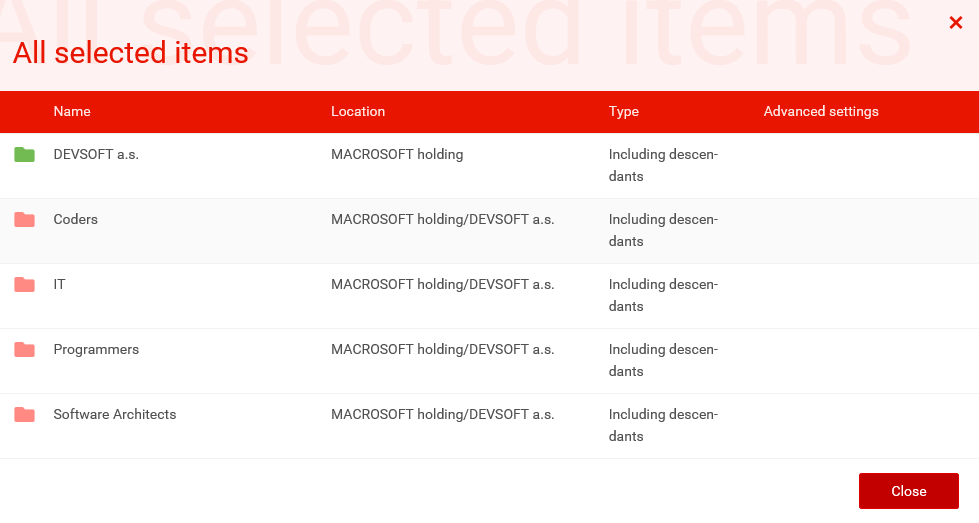
You can check selection of users on link Selected: X companies / Y groups.
In addition to selected units, a selection of child departments (including descendants or ascendants) and advanced setup options is displayed in a clear window.